Case Study
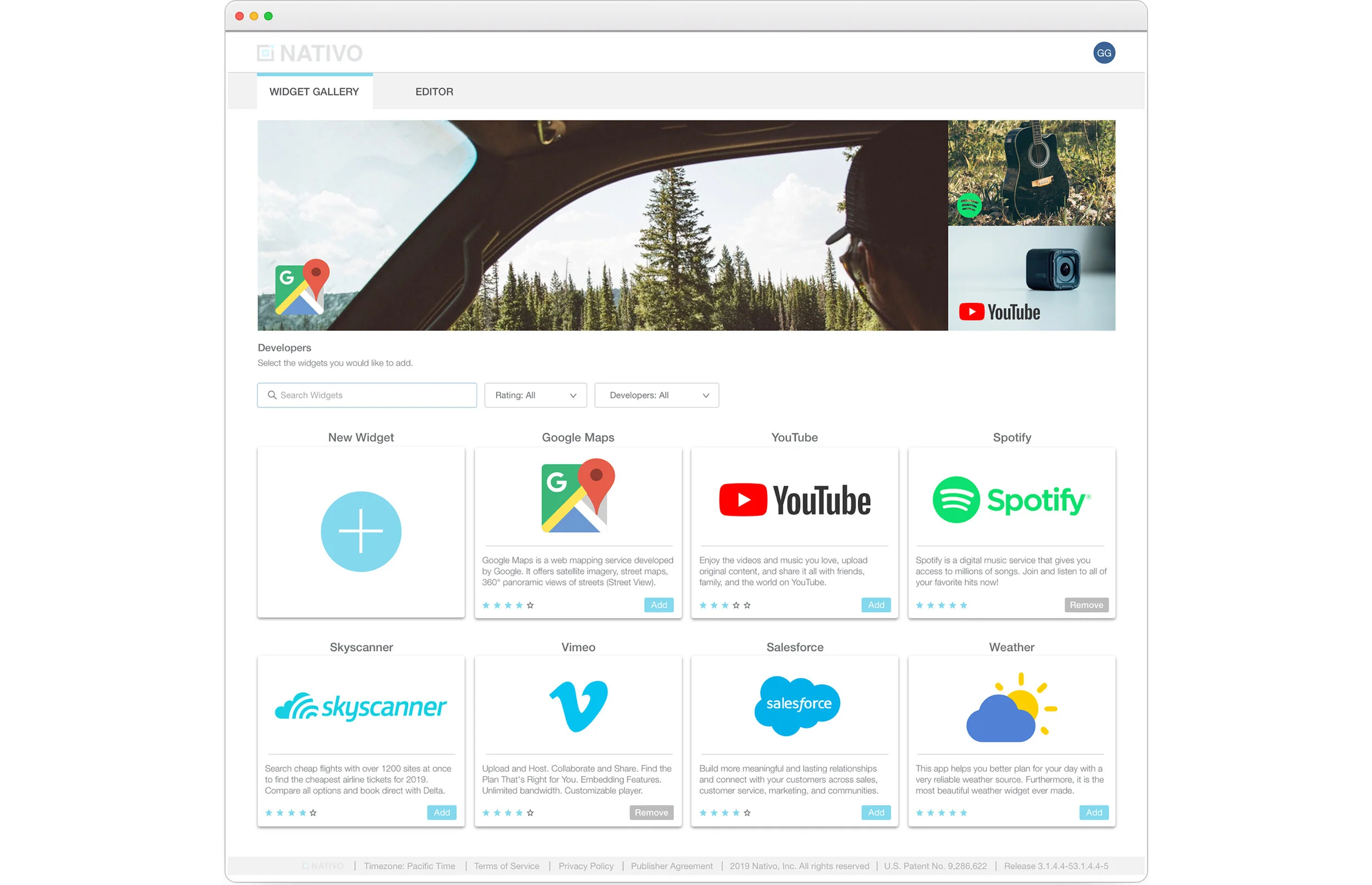
Widget Gallery
An ecosystem designed to bolster the capabilities of the Nativo platform.
Introduction
Nativo is the most advanced platform for deploying, serving and optimizing integrated ads and brand content. The basis of Nativo's goal is to incorporate this content in the most engaging and educational way possible. This requires our users to input content as seamlessly and efficiently as possible. The users responsible for this would be the campaign managers, content strategists, and the sales team. On behalf of the advertiser they would need to incorporate widgets such as Google Maps, YouTube, Twitter, Skyscanner, etc.
Problem
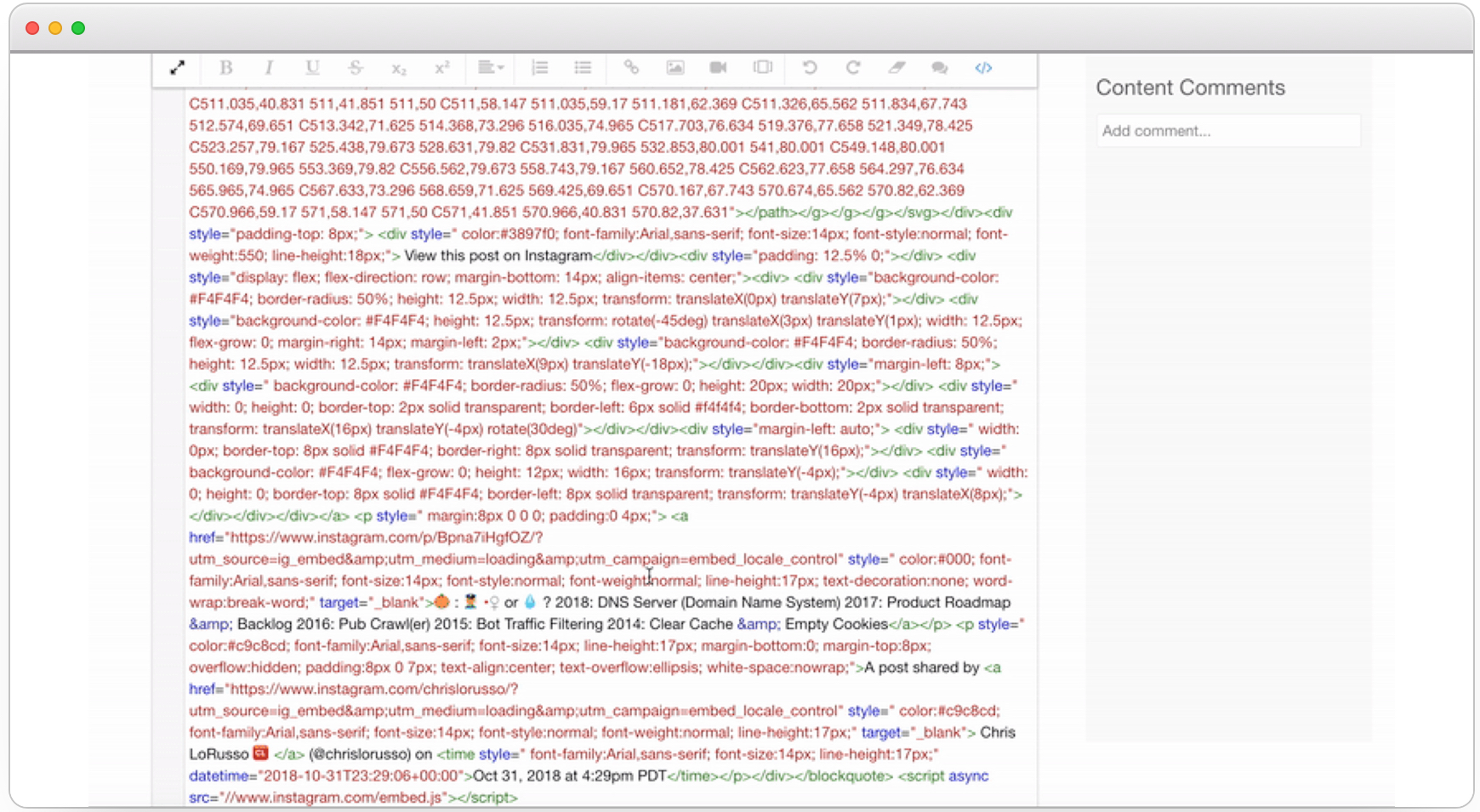
- Difficult to embed anything other than videos and images
- Users are not familiar with coding
- Implementing widgets with the current tools is time consuming
Goal
- Reduce time spent on implementing widgets
- Drop the involvement of software engineers aiding in widget implementation
- A solution that would require no coding knowledge so campaign managers, content strategists, and the sales team would be able to use this feature
Solution
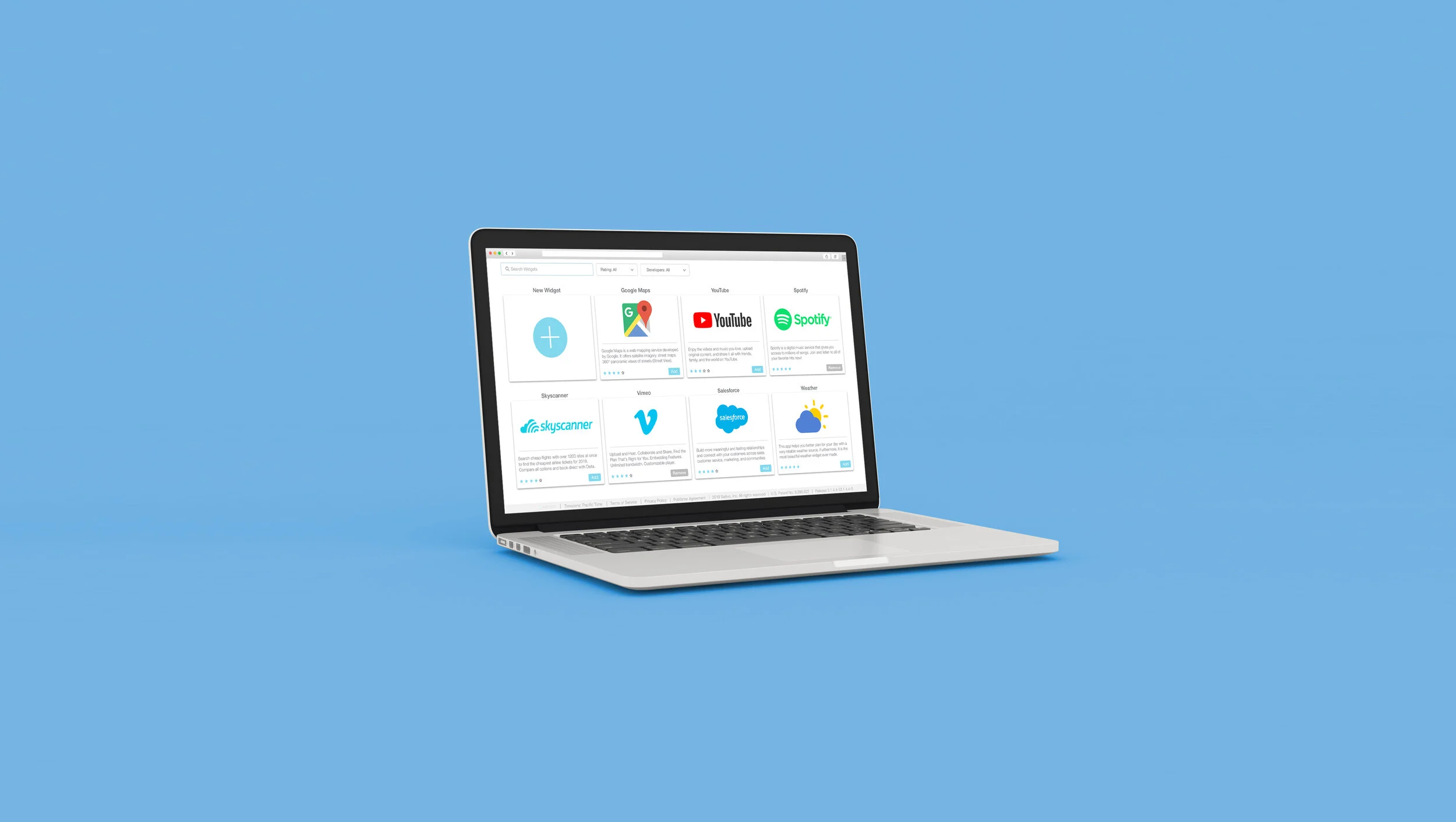
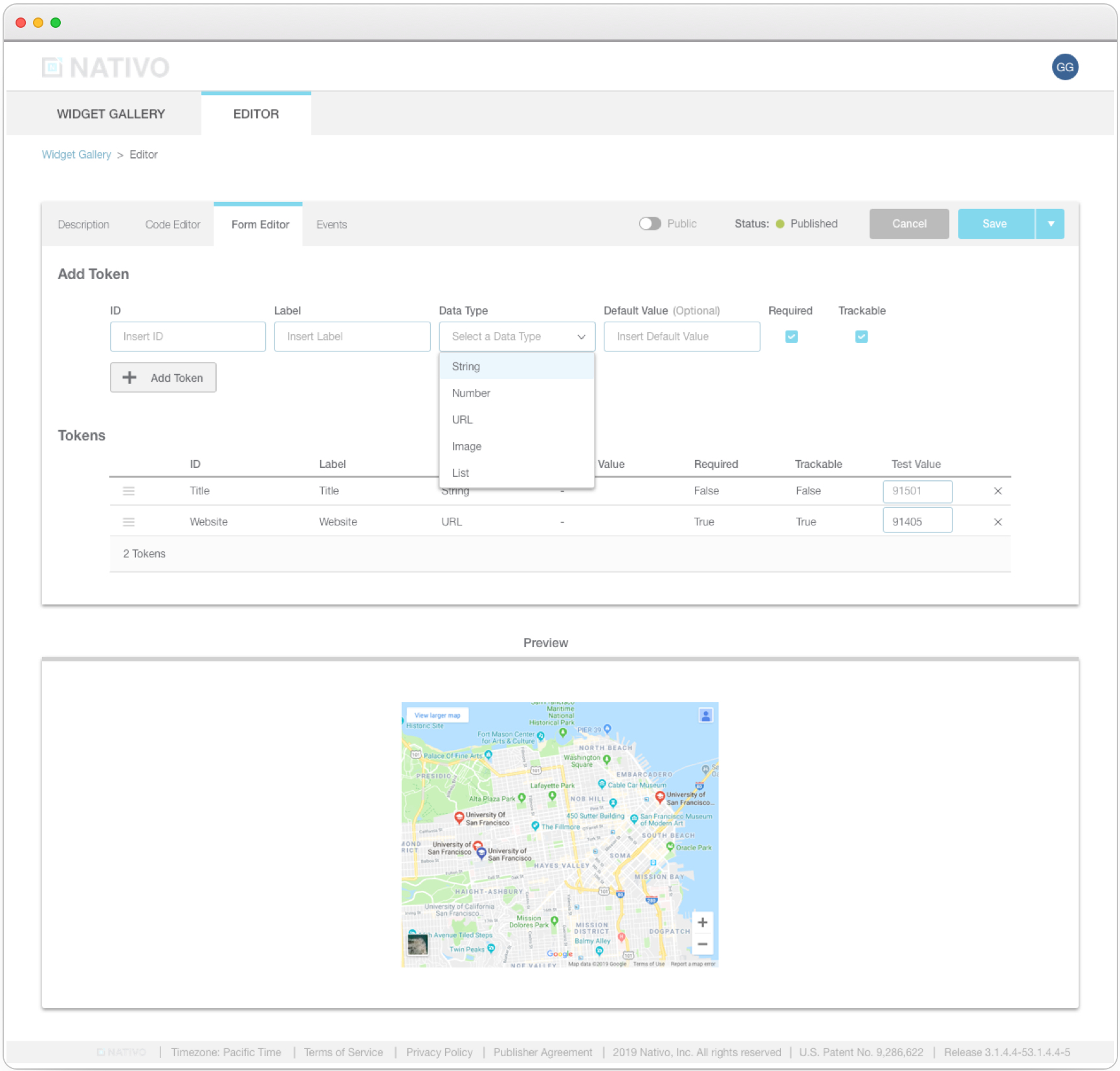
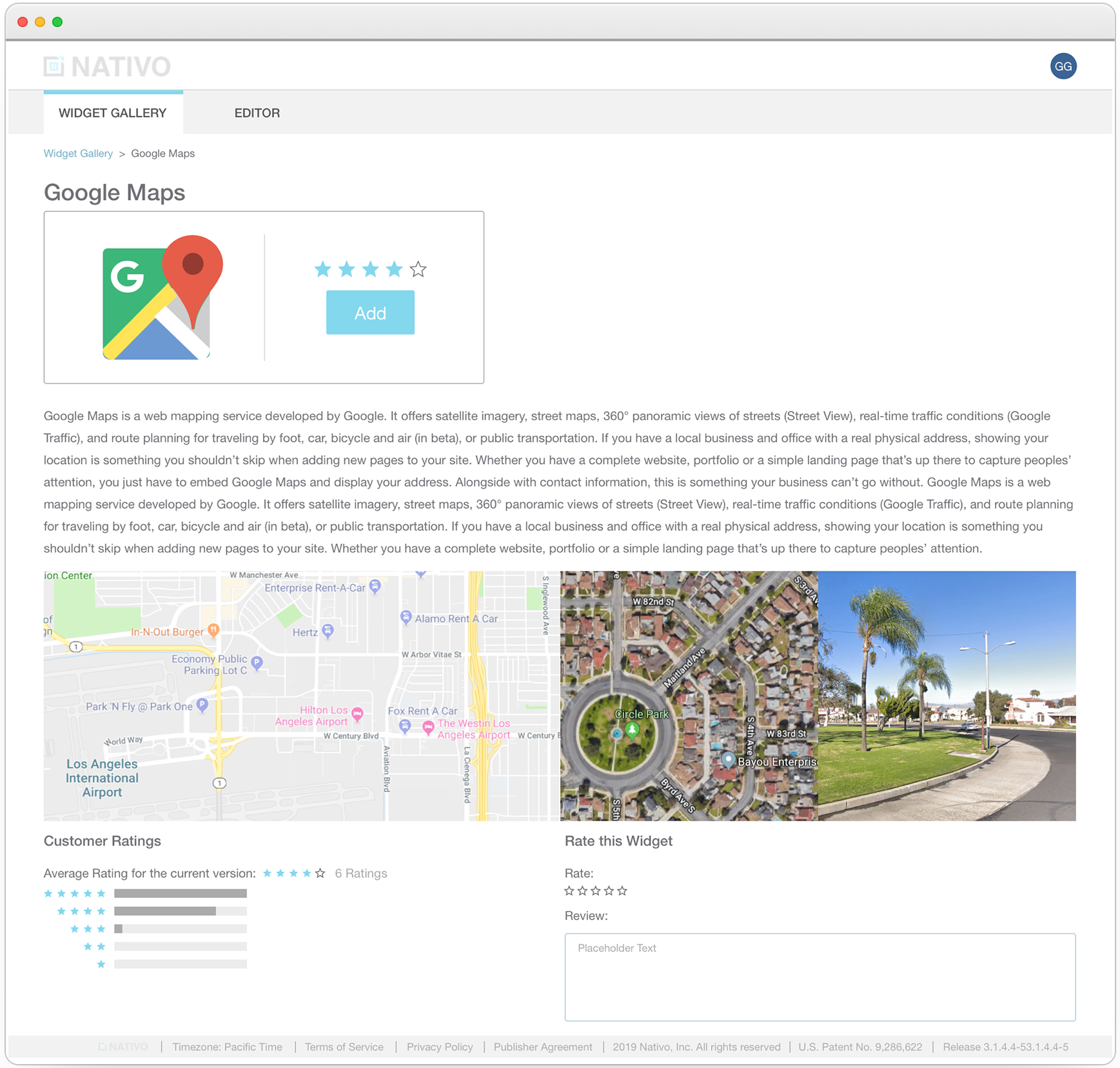
We sought out to create a widget ecosystem for our organization that would be private initially, but opened up publicly in the future. The face of this new marketplace would be the Widget Gallery, a place to pick and choose which widgets you wanted placed into your content. In addition to picking and choosing a widget from our provided list, we wanted to also offer a system where users had the ability to create their own widgets from scratch. We created a tab system to make this an easy process for the users called the Widget Editor.
Process
1. Kick Off with Product Manager
- Meet with product managers and define scope of project
- Ask questions!
- Define user personas and their goals/needs
- Look at any customer requests/feedback
2. Research
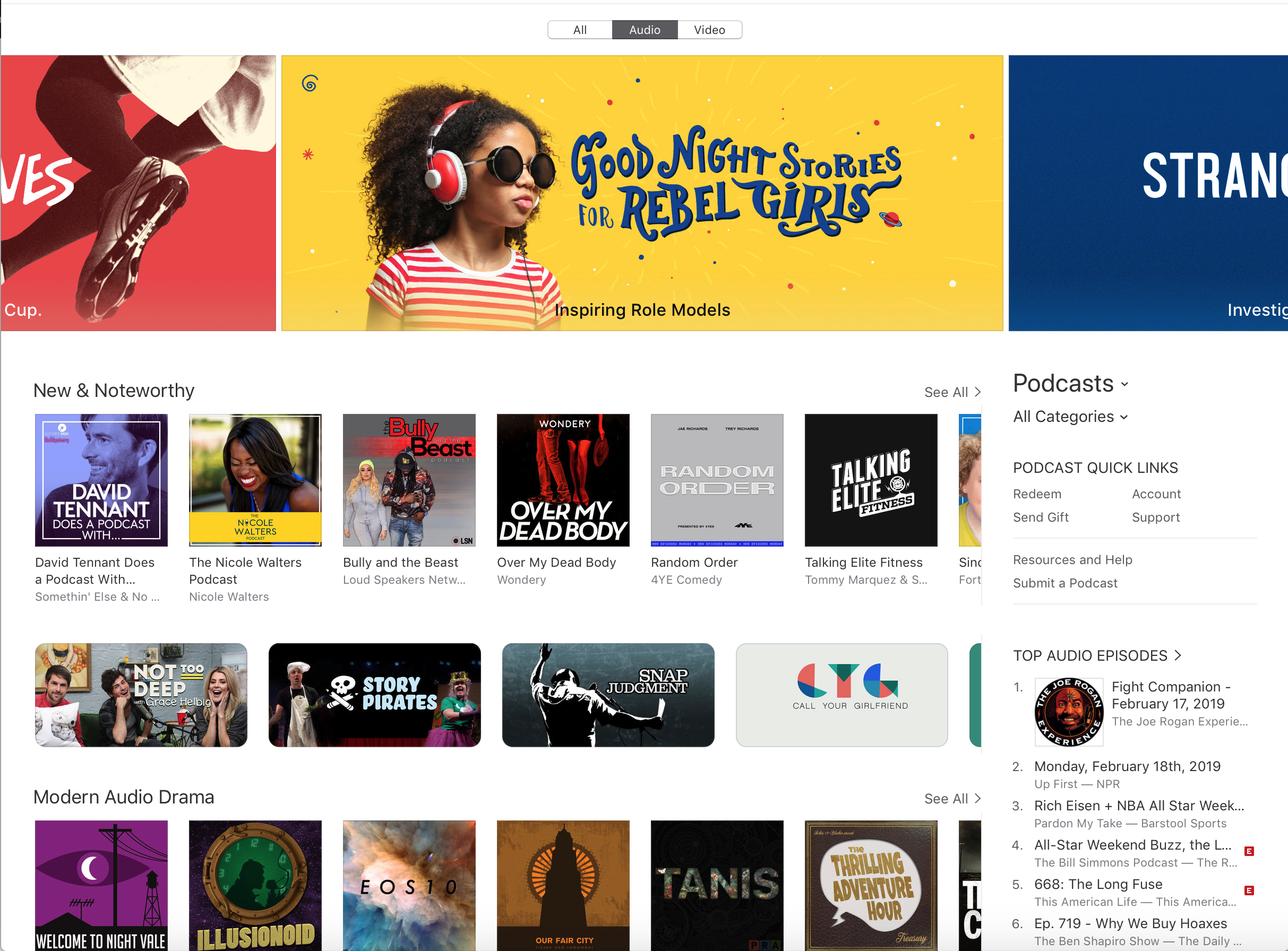
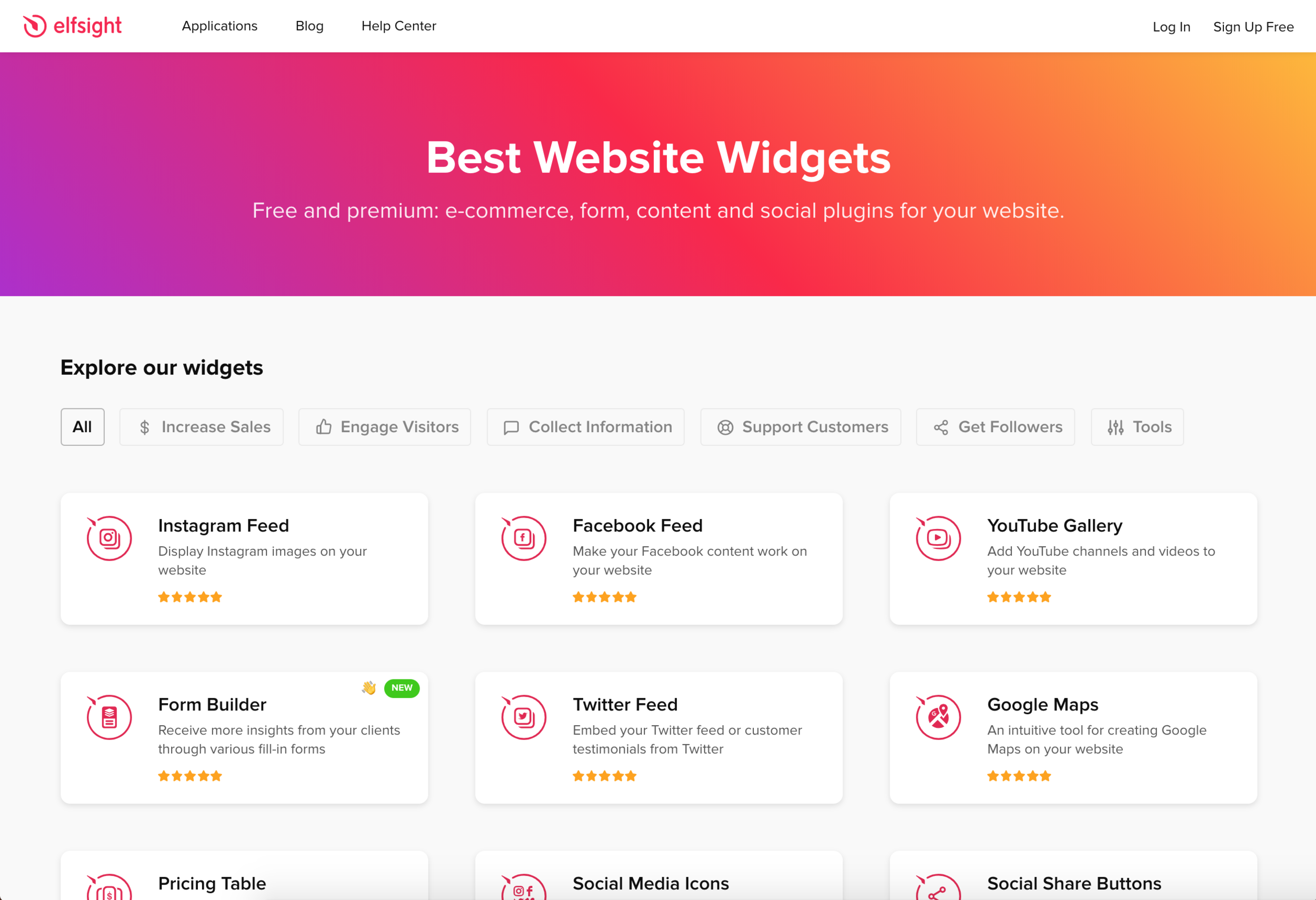
- Competitive Analysis - Get information/screenshots/logins for similar features - Note advantages and disadvantages (ask product managers)
- Interview users (internal and external)
- Compare and contrast answers from various users
- Comparing and contrasting helped figure out what were going to be the main features
Inspiration
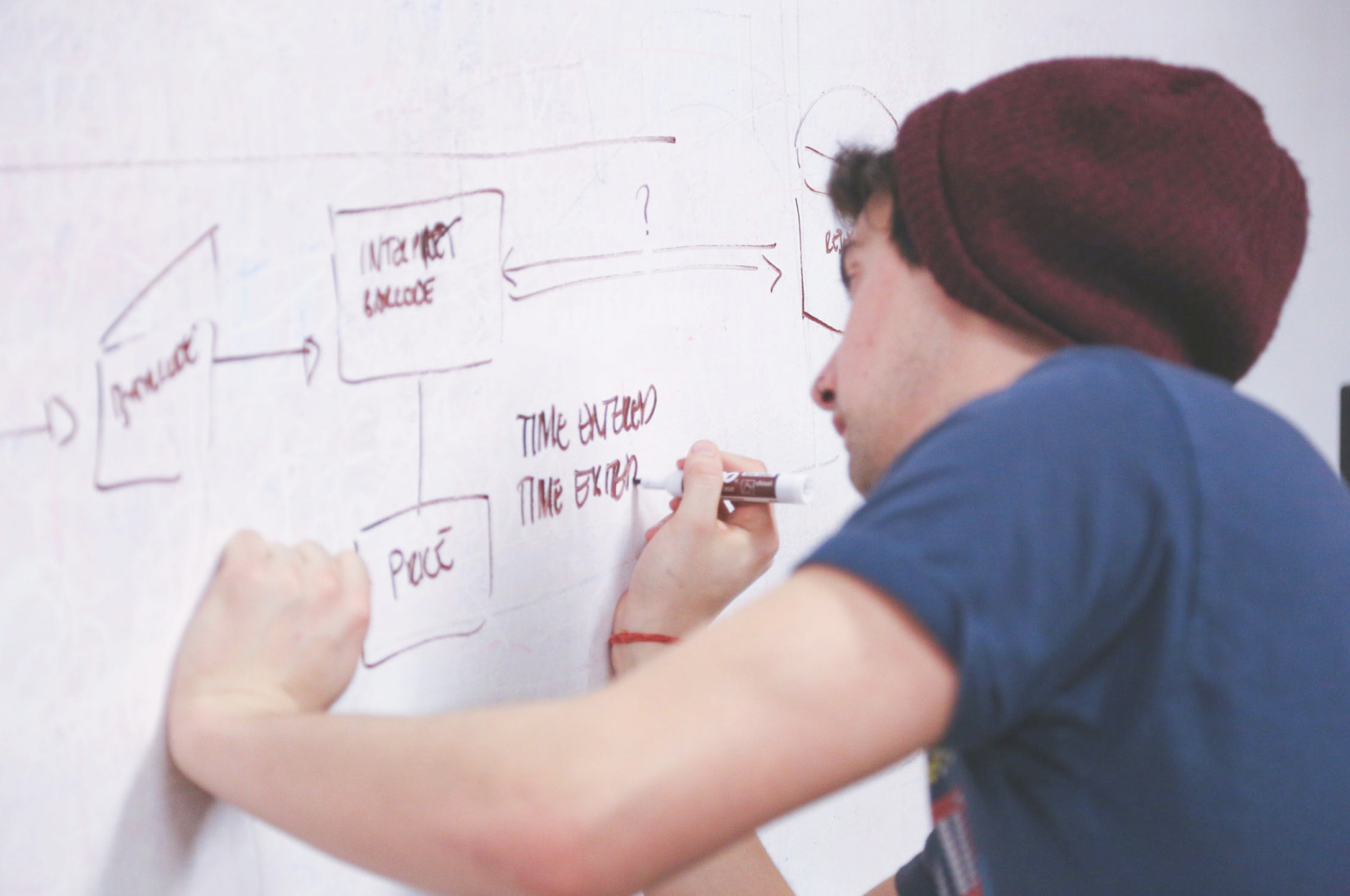
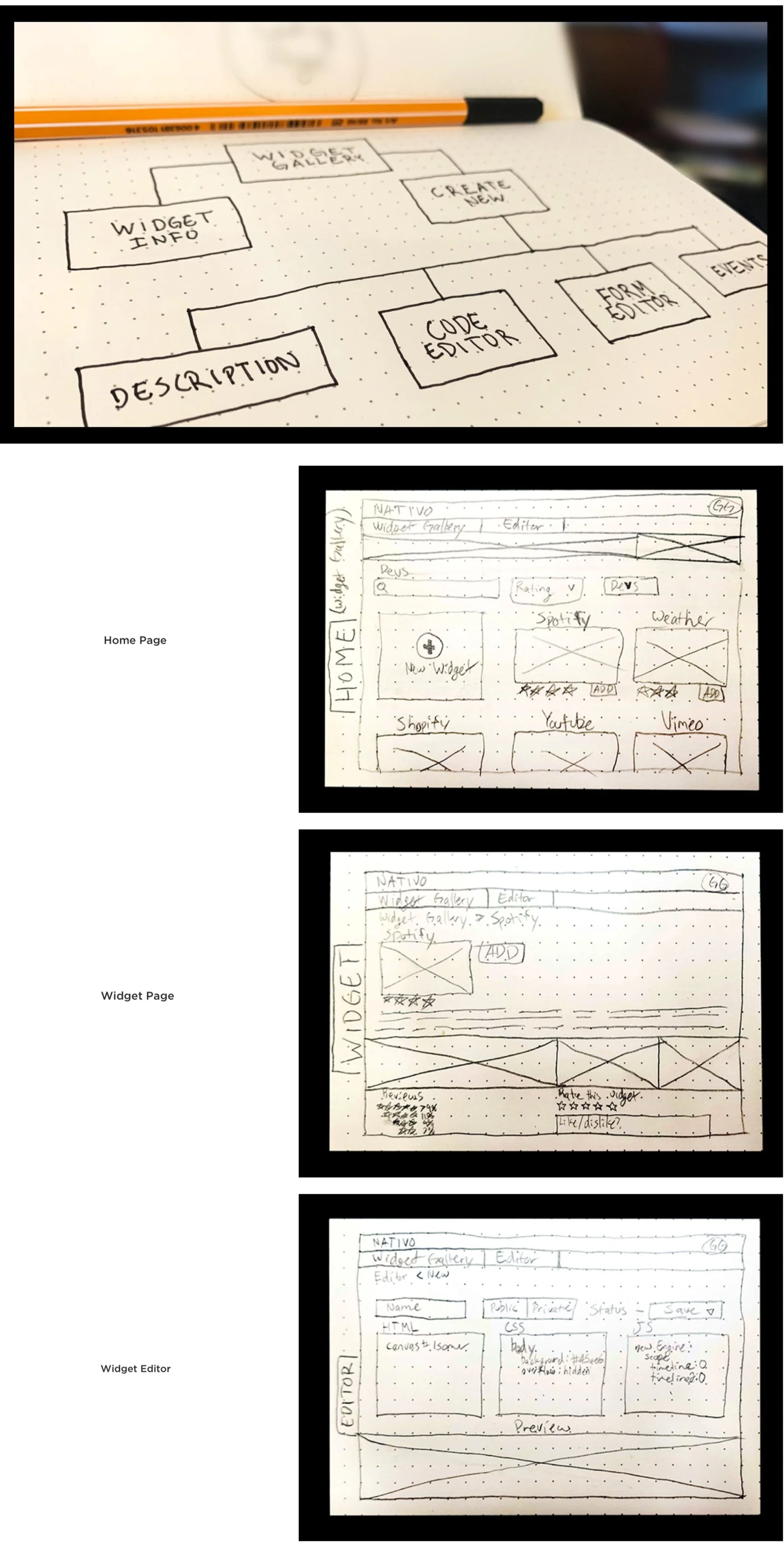
3. Sketches
- Wireframe
- Present initial ideas to product managers and potential users
- Design the series of steps the end user will take when using the product
- Through this process we solidified what the main core of the product would be
- Structure content and think about the full "customer journey"
Site Flow
4. Mockups
Hurdle alert: In the middle of creating the High Fidelity mockups we had a new style guide emerging. We decided to fine tune the low fidelity mocks before proceeding with the updated visuals, limiting any potential wasted time.
- High Fidelity mockups
- Apply style guide
- Create pixel perfect screens in Sketch
- Export mocks to Zeplin
Style Guide
High Fidelity Mockups
5. Testing
- Present design to users internally first, then proceeded to external users
- Presenting internally initially allowed for minor tweaks before handing the product off to external users
- Use questionnaires, surveys or more interviews to identify spots of difficulty or confusion
- Implement new changes from feedback
Conclusion
The Widget Gallery simplified the implementation of widgets for the Nativo users. With this new tool the team can now deliver content for the clients in a quick and efficient manner.
Data Points:
- Less clicks to embed widgets
- Less time to import widgets
- Increased rebuys
- New opportunity to sell to clients
- Increase in feature adoption
View the Prototype Here